


Know who’s coming
Refresh attendance from TeamSnap or add players manually. Make last-minute changes at the rink.
Your TeamSnap attendance, already in the lines. Drag to adjust and send the card to parents.
For coaches: build your lineupNo TeamSnap? Add players yourself. Free.
Refresh attendance from TeamSnap or add players manually. Make last-minute changes at the rink.

Tap or drag players into lines. Try suggested combinations and adjust them with your coaching judgment.

Share a phone-friendly game page with lines, arrival time and rink directions. Or download a PNG for your team chat.
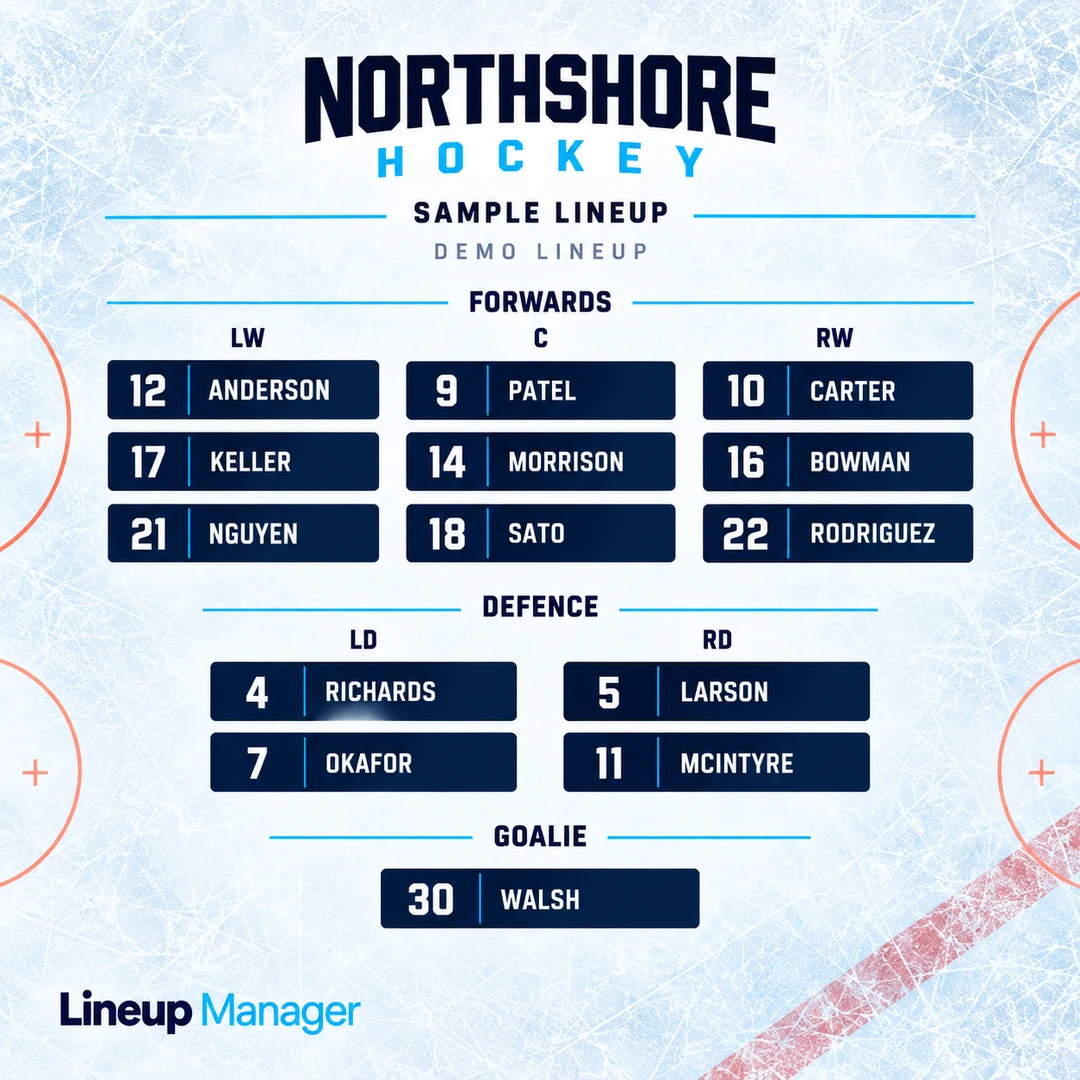 Sample lineup image. Open to enlarge.
Send one link with the lines, player arrival time and directions to the rink. Parents open it without an account. Prefer an image? Download a lineup PNG for the same chat.
For coaches: build your lineupTeamSnap optional. No credit card required.
Invite assistant coaches with a link. Return to saved lines on desktop or phone. Drag a full player card on desktop, or tap a position at the rink.
Build Your Lineup For FREE →No. Add your roster and games manually, or connect your own TeamSnap account. Choose the team to import if you belong to more than one.
No. Parents can keep setting attendance and chatting in TeamSnap. You arrange the lines here and share a game-day link or image through your existing team chat.
For connected upcoming games, attendance is checked when you open or return to the board, at most once every five minutes on that device. Tap Refresh TeamSnap to check sooner. Your lines and rink-side Here and Out corrections are kept.
Yes. Tap a player and a position, or drag and drop. Mark a player Out for the game when plans change, without removing them from the season roster.
Your team board requires sign-in and team membership. The owner controls who can edit or view. Published game pages can be viewed and forwarded by anyone with the link. You choose what to publish, and can revoke the link. Downloaded images cannot be recalled.
Yes. You can create a team and build lines without a credit card. Platform sponsors help support the app. TeamSnap connection availability depends on your account; manual setup is always an option.
Help keep the app FREE for coaches and introduce your brand through tasteful placements on the site and shared lineup images. Get in touch about sponsorship and tell us about your business.
Keep your existing team chat. Find the right way to build and share your hockey lines.